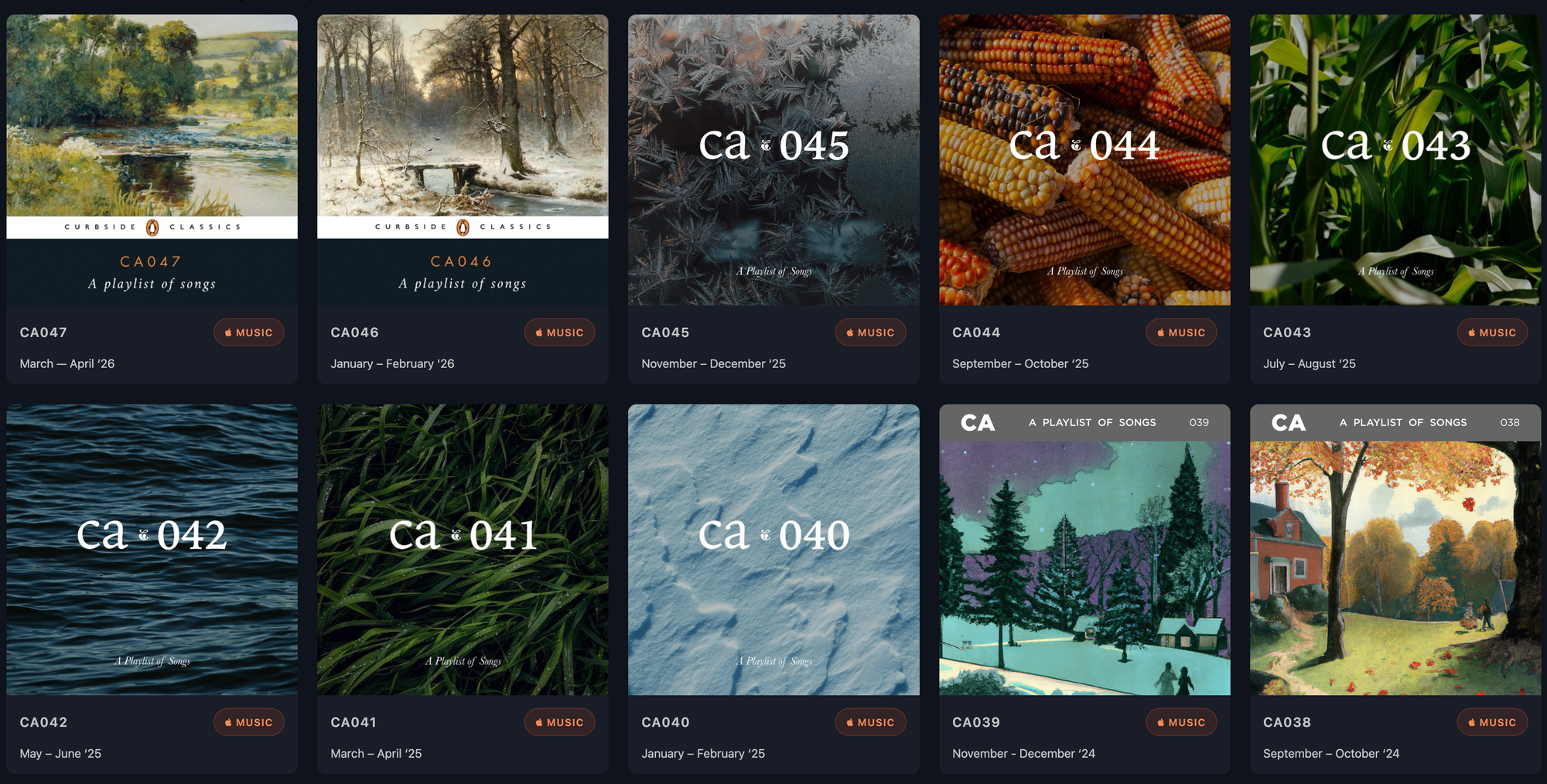
Since 2018, when this blog was still on Tumblr, I've been archiving my bi-monthly playlists for posterity.
Originally, I'd periodically use a iOS Shortcut to pull the details of my latest list(s), which I'd copy over to my blog as plain text. This wasn't really tenable as I'm prone to forgetting to make new playlists, let alone go through the steps to backup the contents of my old ones.
Some time later, I learned about Apple Music's playlist folders and I got organized. Around this time I tried to automate the practice of backing things up using Apple's API. The only thing I remember from that attempt was that I needed more than MediaKit access to get my own personal playlists, even if they're public on my Apple Music profile. Also necessary was a user token, which you can only get by triggering an authentication flow from a webpage.
Fast forward 6 years and that is still the case. This time I persevered and, over an evening, I put together a reasonably reliable solution that not only pulls my lists on an weekly basis, but updates my blog as well.
Apple Music authentication
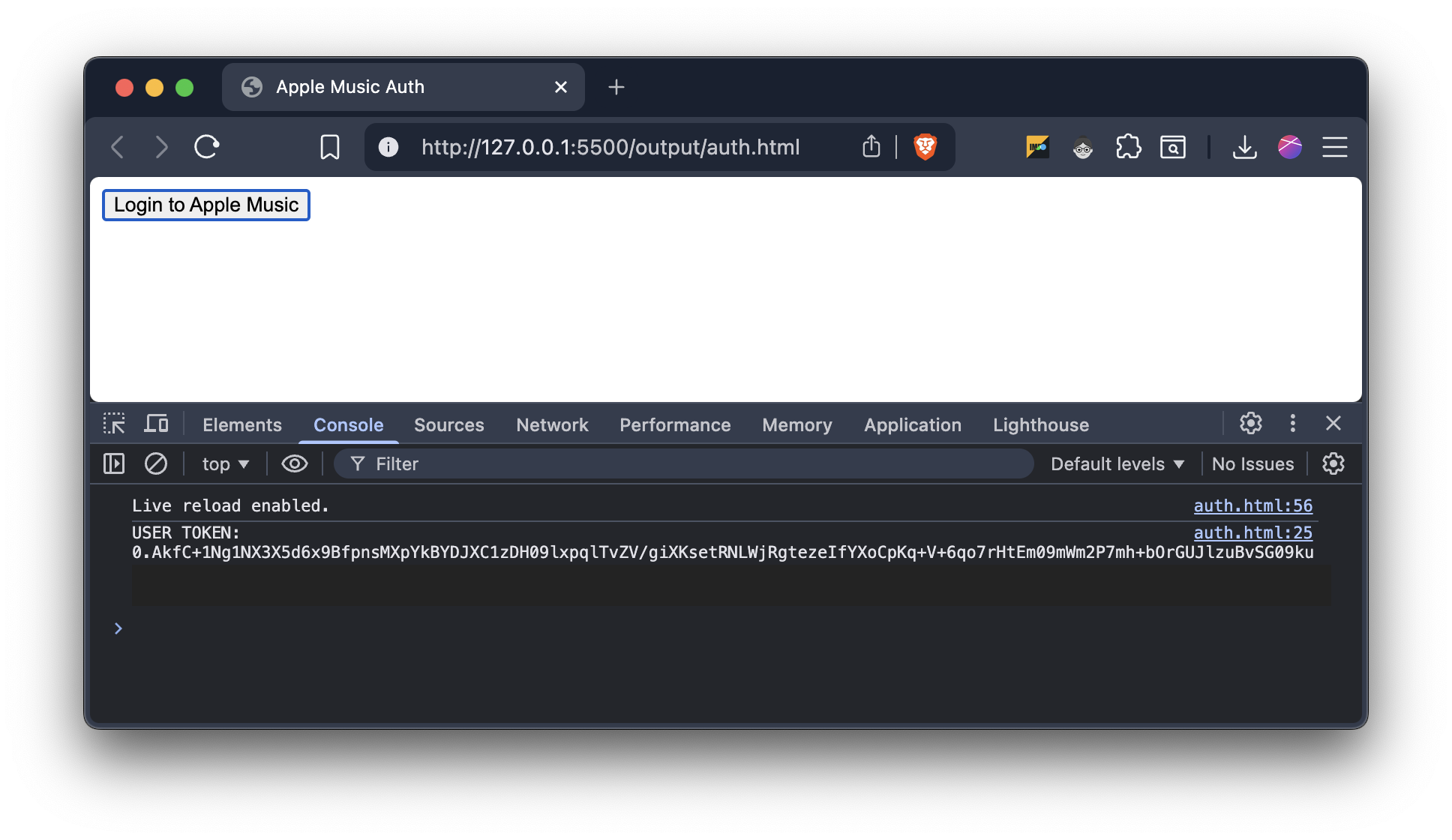
Apple requires two tokens to grab details from /me/ endpoints, a developer token, which is derived from an Apple .p8 key and a Music user token, which is returned by the MusicKit browser login flow.
Starting with an local .env, I populate my Apple team ID and a path to my .p8 file. In the GitHub repo where I'll be running this, these are translated to repository secrets with the contents of the .p8 file as the value for APPLE_PRIVATE_KEY.
Then, with Javascript, I use my dev key to generate a short-lived, signed JWT. Using this, a static HTML file is generated with a single MusicKit authentication button. This is clicked, which spits out the user token in the console, which I use to populate the APPLE_MUSIC_USER_TOKEN secret. This is hacky, but it's the only way to do it. The token is good for 6 months.
Publishing playlists to Ghost
From here, another script orchestrates the pull of playlist data and the build of the HTML that is inserted into a page on my blog. I have the query filtered down to one parent folder which houses my bi-monthly playlists which are, in turn, grouped by year. The result is a JSON file with relevant information about each playlist and its contents.
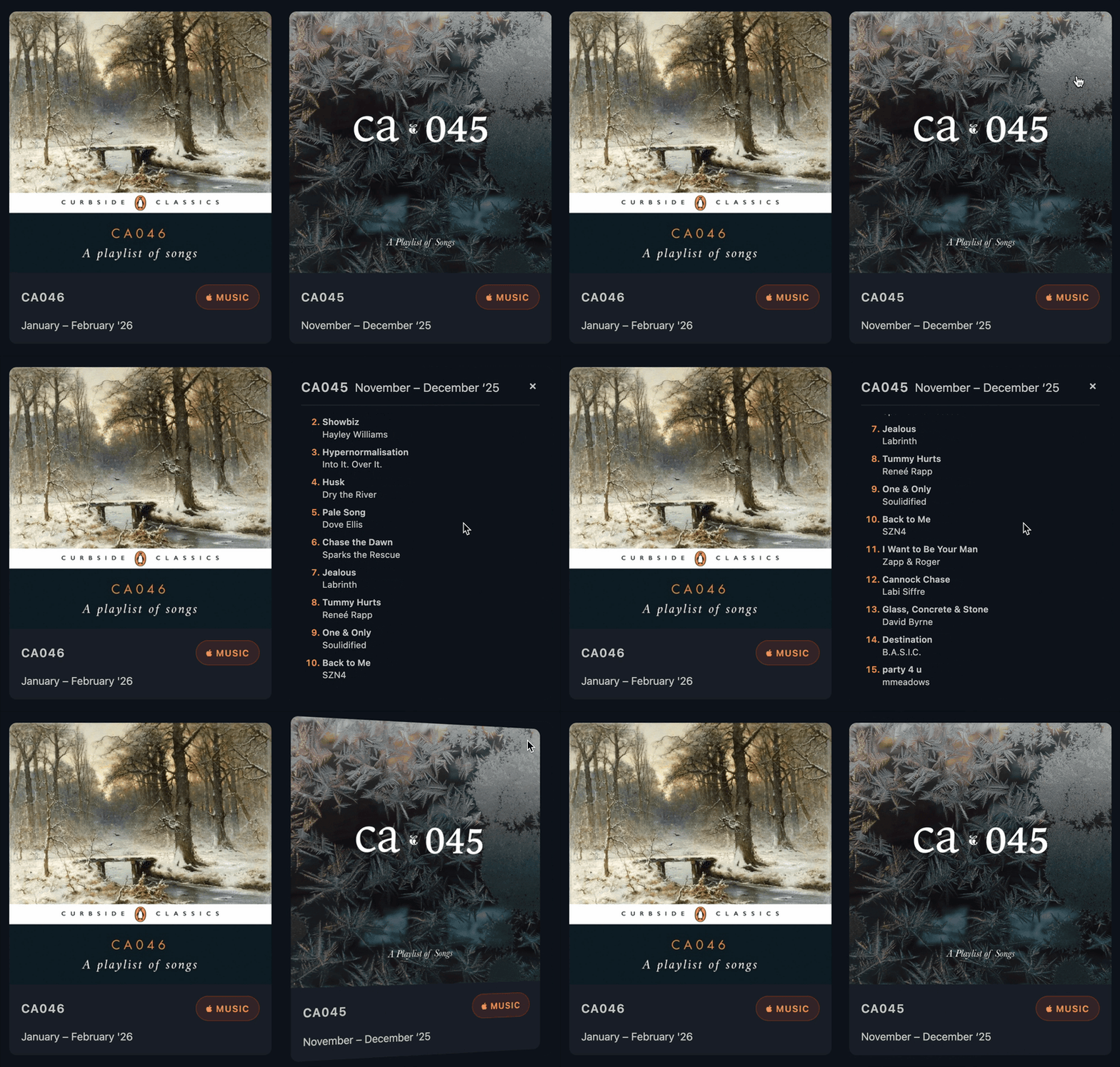
This is used to fill out a template of card-like components to display the artwork, title, and description of the playlist as well as a link to the playlist on Apple Music. Clicking the artwork will flip the card over to show a scrollable list of tracks.
Once the full HTML is built, we use the Ghost Admin API to push content up. A fetch is done for the current state of the page, then anything that exists between divs using data-playlists-<start/end>="true" is replaced and the page is updated. This leaves the introduction to the page intact and editable from the CMS without fear of breaking anything.
All of this is orchestrated by a GitHub action that I can trigger at will. Otherwise it cron runs the task every Monday morning.
One fewer monkey on my back
This is one of those tasks that's been quietly dogging me for years. I haven't linked to my playlists page for a long time because it's been woefully out of date. Now it's a set-it-and-forget-it process that I shouldn't need to worry about until I inevitably re-platform my blog again. You can find a quick link in the blog's menu.